What’s new in Microsoft Security: August 2026
August 27, 2026 · Microsoft Security · Severity: MEDIUM
As organizations incorporate AI agents into more processes across business and operations, security teams can benefit from greater visibility and new purpose-built tools that help manage, secure, and govern AI. This month’s updates provide new capabilities to help organizations gain insights into agent activity, expand security coverage across supported environments, and enhance security management across their environments.
As organizations incorporate AI agents into more processes across business and operations, security teams can benefit from greater visibility and new purpose-built tools that help manage, secure, and govern AI. This month’s updates provide new capabilities to help organizations gain insights into agent activity, expand security coverage across supported environments, and enhance security management across their environments.
Here’s what’s new:
Extend expert-led protection with new capabilities from Microsoft Defender Experts
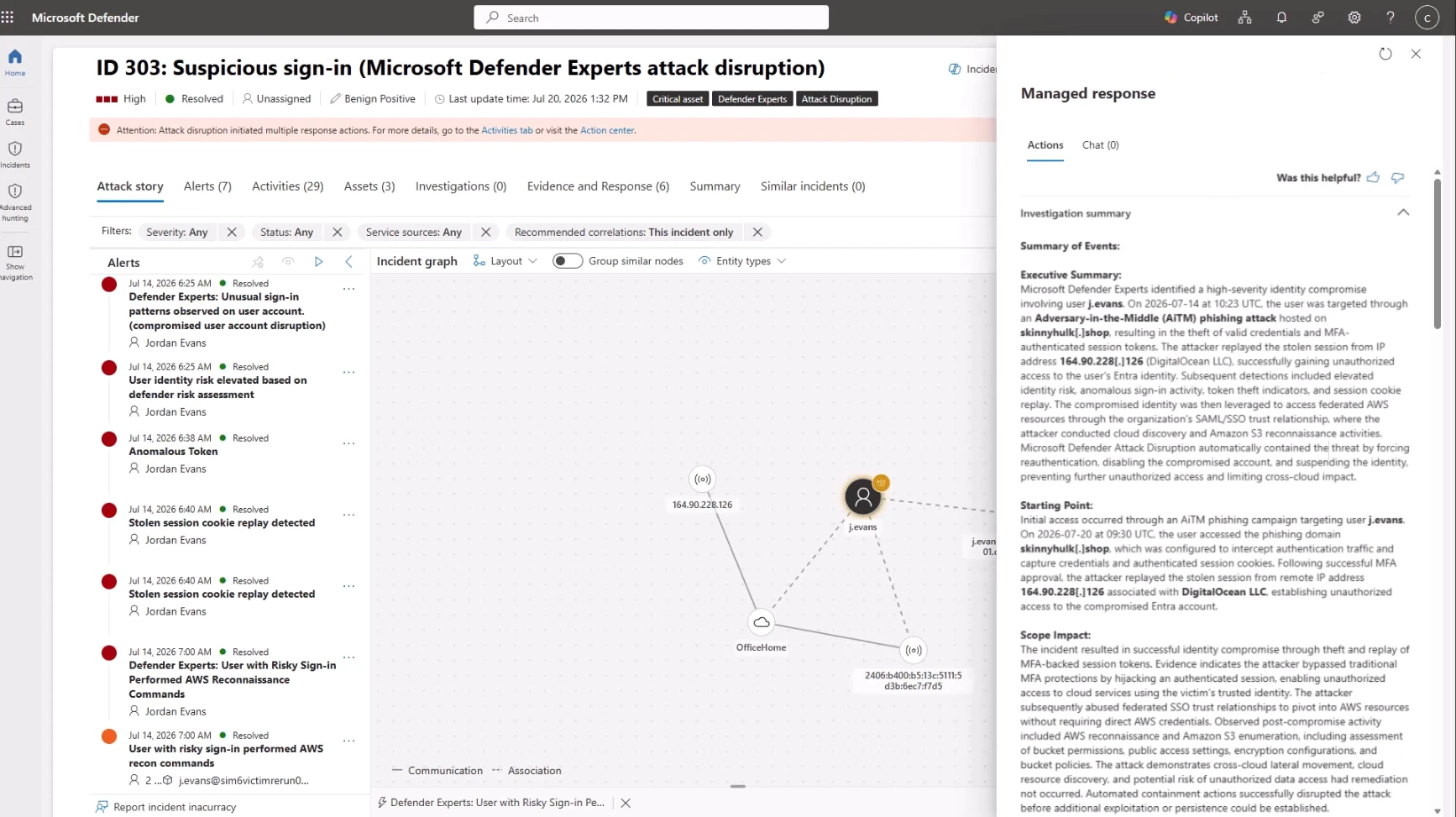
Microsoft Defender Experts Threat Intelligence delivers expert-led threat intelligence and actionable insights tailored to your geography, industry, and risk profile to help security teams anticipate cyberthreats, assess risk, and take informed action. Microsoft Defender Experts MDR now covers third-party data sources ingested through Microsoft Sentinel. This extends around-the-clock managed detection and response and threat hunting to deliver protection across both Microsoft native and third-party data sources, including Palo Alto Networks, Amazon Web Services (AWS), Okta, and more. This coverage is available through Microsoft Defender Experts MDR P2.
Strengthen identity foundations for the AI era with Microsoft Entra
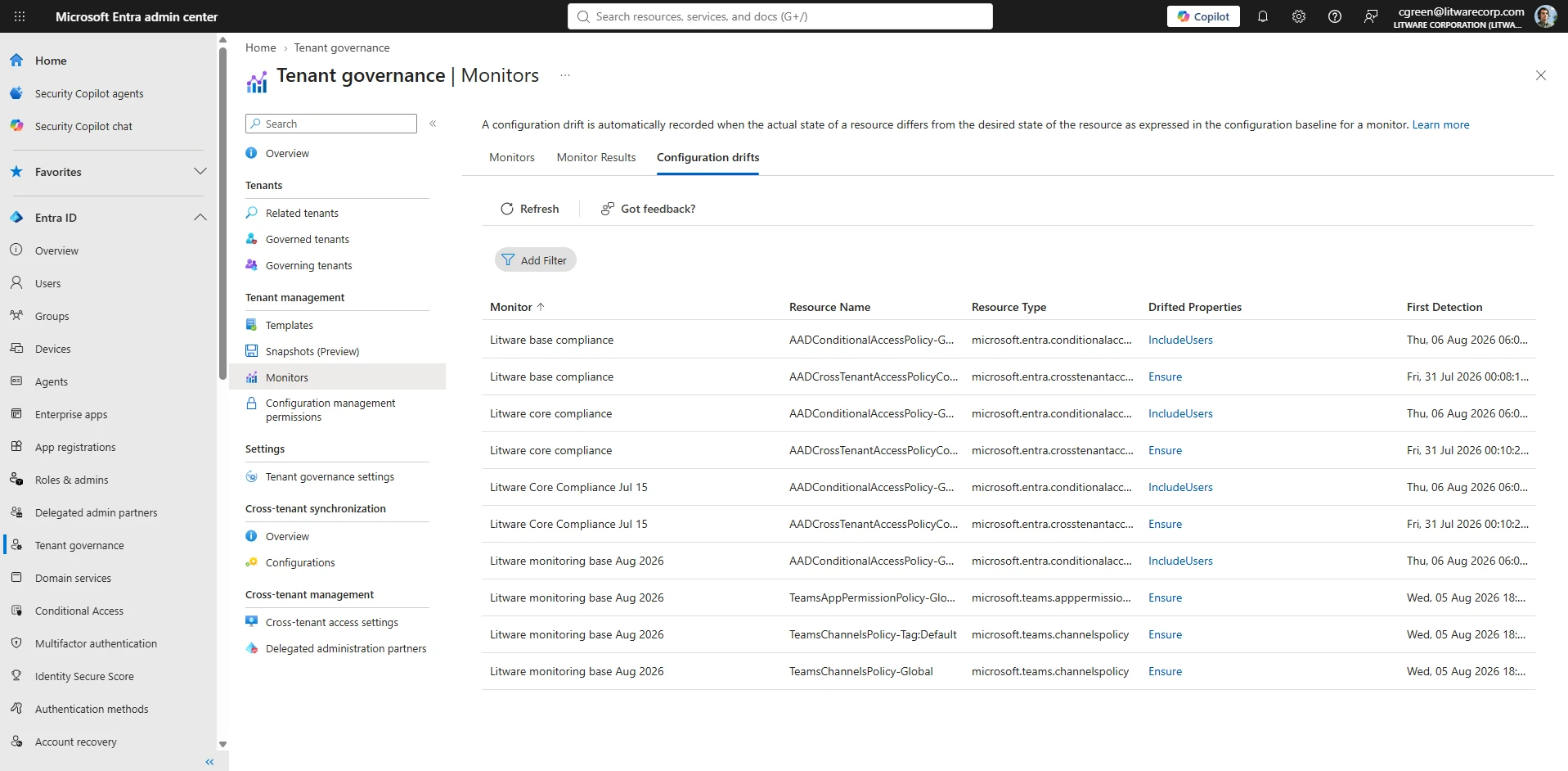
Microsoft Entra Tenant Governance brings an organization’s tenants into a single view to help address security gaps and blind spots. Centralized policies and cross-tenant delegated administration of multi-tenant environments help reduce shadow-tenant risk, configure policies, monitor configuration drift, and strengthen identity foundations for AI-powered operations.
Accelerate your move to cloud-native endpoint management with Microsoft Intune
Windows Autopilot device association lets admins link devices to their tenant and configure pre-enrollment experiences. Admins can optimize the out-of-box experience and rename devices, reducing onboarding friction.
Windows Unattended Support with Remote Sign-In allows IT and support staff to sign in to devices remotely, without involving the user. Role-based permissions, compliance checks, and session auditing are built in.
Speed up Microsoft Copilot readiness with scalable Microsoft Purview auto-labeling
Auto-labeling policies in Microsoft Purview now process up to 500,000 SharePoint and OneDrive files per day, up from 100,000. This increased limit helps organizations label and protect more content, extending data protection coverage. Because sensitivity labels help apply key security controls, including encryption and data loss prevention (DLP), organizations can extend data protection across more content and support their Microsoft 365 Copilot adoption efforts.